Creating social media designs: recognisable instead of new every time
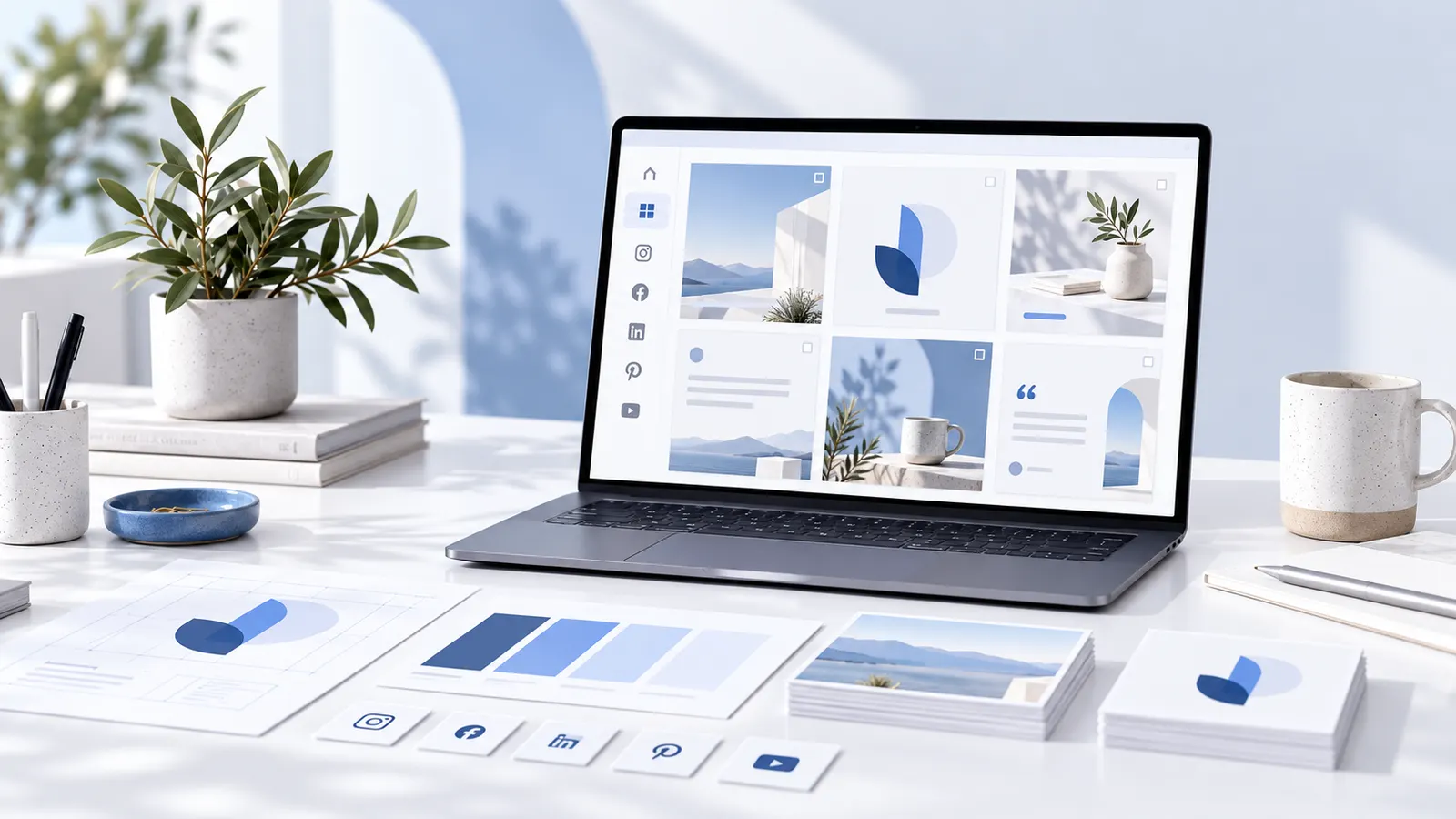
Regular social media posts take time – especially if colours, fonts and layouts are chosen anew for every post. A simple design system helps. It creates a recognisable presence without every post having to look identical.
1. Define the brand rules first
Before you build templates, decide your brand colours, fonts and the most important logo variants. Also consider which image style suits the company. These decisions apply regardless of the platform you publish on.
2. Choose a few recurring formats
Not every piece of content needs a new layout. Sensible categories can be:
- Tips and short guides
- Product and feature presentations
- News and announcements
- Quotes or central statements
- Multi-slide carousels
Start with the formats you actually use regularly.
3. Develop flexible templates
A good template has recognisable rules but leaves enough room for different texts and images. Define, for example, positions for title, image, logo and a short call to action. Plan variants for shorter and longer content.
4. Check readability on the smartphone
Many people see social media content on small screens. So use short statements, sufficiently large fonts and clear contrast. Especially with carousels, each slide should have an understandable job. Do not overload graphics with text.
5. Consider platforms sensibly
The same visual can look different on Instagram, LinkedIn and other platforms. Check the current format requirements and safe areas of each platform before you export. Adjust format and crop – do not change the entire brand look with every version.
6. Plan designs and content separately
A template is not yet a good post. First formulate the central message: what should the reader learn, understand or do? Then decide whether an image, a text graphic or a carousel fits best. The content should always lead the design.
7. Maintain a small template library
Store approved layouts with understandable names and keep logo, colours and fonts up to date. Remove outdated variants from the active selection without losing important source files. This prevents inconsistencies and lets you prepare new posts faster.
Practical check before publishing
Is the message recognisable immediately? Can the text be read on a phone? Do colours and fonts fit the brand? Is the right logo used? Is a clear next step offered where it makes sense for the post? Only then is the final polish worthwhile.
Conclusion
Consistent social media designs come from repeatable rules and well-maintained templates. This leaves more time for content that really helps your audience. Grafikbuddy offers templates for Instagram posts, stories and carousels that automatically apply your brand’s colours, fonts and logo.
Frequently asked questions
Must every social media post look the same?
+
No. Recognisable colours, fonts and design principles are often enough.
How many templates make sense to start with?
+
A few recurring formats are usually better than a large, confusing collection.
Can I use the same graphic on all platforms?
+
Often yes, but format, crop and readability should be checked for each platform.